
Streamline Your Life: The Best Productivity Apps for Students and Professionals
The modern world bombards us with information, demands, and distractions, making it increasingly challenging to maintain focus and achieve our goals. Whether you’re navigating the labyrinth of academic assignments or juggling critical deadlines in a professional setting, the quest for increased productivity is a constant one. Fortunately, technology offers a powerful arsenal of tools designed to help us conquer this challenge. Productivity apps, once a niche interest, are now indispensable allies for anyone seeking to optimize their time, streamline their workflows, and ultimately, live a more organized and fulfilling life. This comprehensive guide explores the landscape of productivity applications, highlighting the best options for both students and professionals and offering practical advice on how to leverage these digital assistants to their full potential.
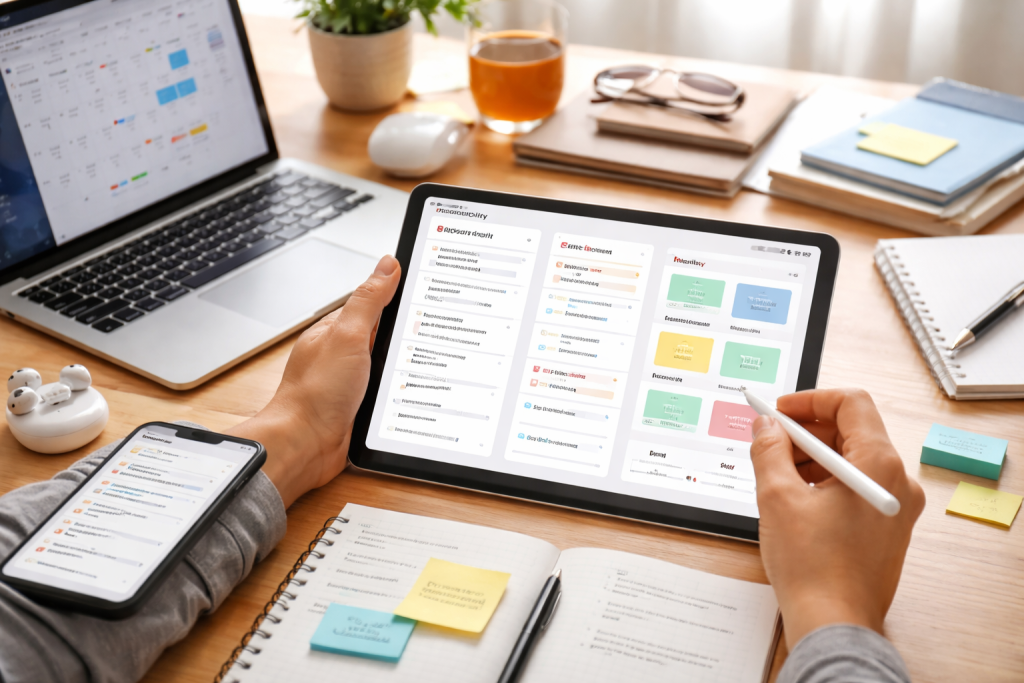
Productivity apps are software applications designed to enhance an individual’s efficiency and effectiveness in completing tasks, managing their time, and organizing their work and personal lives. They range from simple to-do list managers to sophisticated project management suites, each catering to specific needs and offering unique functionalities. The core purpose of these apps is to reduce friction, eliminate distractions, and provide a centralized platform for managing various aspects of our busy lives. By automating repetitive tasks, offering intelligent reminders, and facilitating seamless information sharing, productivity apps empower users to reclaim control over their schedules and dedicate more energy to high-priority activities. The democratization of technology means these tools are now more accessible than ever, whether you’re a student balancing multiple courses or a seasoned professional managing complex projects.
Contents
- 1 Understanding the Categories of Productivity Apps
- 2 To-Do Lists and Task Managers
- 3 Note-taking and Study Apps
- 4 Messaging and Chat Applications
- 5 Project Management and Team Collaboration Platforms
- 6 Mindfulness and Meditation Apps
- 7 Fitness and Habit Tracking Apps
- 8 Personal Budgeting Tools
- 9 Investment and Savings Trackers
- 10 Agile Project Management Software
- 11 Resource Management Tools
- 12 Time Tracking and Billing Software
- 13 Virtual Whiteboarding Tools
- 14 Digital Kanban Boards
- 15 Define Your Needs and Goals
- 16 Consider Your Operating System and Devices
- 17 Trial and Error is Key
Understanding the Categories of Productivity Apps
To effectively harness the power of these tools, it’s essential to understand the different categories they fall into. While there can be overlap, grasping these distinctions allows for a more targeted approach to selecting the right apps for your specific requirements.
Time Management Apps
At the heart of productivity lies effective time management. Users can use these applications to allocate, track, and optimize their time, giving crucial tasks the attention they require.
Time Trackers
These apps allow you to monitor how you spend your time, offering helpful details about your work habits and identifying time-wasting activities. By seeing where your hours actually go, you can make informed adjustments.
Calendar and Scheduling Apps
Beyond simple date tracking, these apps offer advanced features like recurring events, shared calendars, and integration with other productivity tools, making it easier to plan your days, weeks, and months.
Focus and Pomodoro Apps
Designed to combat distractions, these applications employ techniques like the Pomodoro Technique, breaking work intervals into focused bursts separated by short breaks, thereby enhancing concentration and preventing burnout.
Disorganization is a silent productivity killer. These apps offer structured frameworks to monitor your responsibilities, guaranteeing that nothing is overlooked.
To-Do Lists and Task Managers
The foundational elements of organization, these apps allow you to create, prioritize, and track individual tasks. Many offer subtasks, recurring reminders, and even the ability to assign tasks to others.
Digital Bullet Journals
Mimicking the popular analog system, digital bullet journals offer a flexible framework for note-taking, task management, and habit tracking, all within a digital environment.
Note-taking and Study Apps
Effective note-taking is crucial for learning and retention. These applications go beyond simple text input, offering rich media support, organizational features, and tools to aid in studying.
Smart Notebooks
These apps allow for the capture of ideas in various formats, including text, images, audio, and sketches. They often feature robust search capabilities and tagging systems for easy retrieval.
Cloud-Based Note-Taking Platforms
With seamless synchronization across devices, these platforms ensure your notes are always accessible and up-to-date, facilitating easy collaboration and remote access.
In today’s interconnected world, teamwork is often essential. These apps foster seamless interaction and information sharing among individuals and teams.
Messaging and Chat Applications
Instant communication is vital for quick updates and problem-solving. These apps provide real-time text, voice, and video communication capabilities.
Project Management and Team Collaboration Platforms
For more structured teamwork, these platforms offer features like task assignment, progress tracking, document sharing, and discussion forums, creating a central hub for project-related activities.
The ability to work on documents simultaneously and see changes in real-time dramatically improves team efficiency and reduces version control issues.
It might seem counterintuitive, but integrating health and wellness into your productivity strategy is crucial. A healthy body and mind are the foundation for sustained focus and energy.
Mindfulness and Meditation Apps
Stress and anxiety can severely impair productivity. These apps guide users through meditation sessions and mindfulness exercises to promote mental clarity and reduce stress.
Sleep Tracking Applications
Adequate sleep is vital for cognitive function. These apps monitor sleep patterns, offering insights and recommendations for improving sleep quality.
Fitness and Habit Tracking Apps
Maintaining physical health contributes to mental well-being and sustained energy levels. These apps encourage regular exercise and help build healthy habits.
Financial stress can be a significant distraction. Managing your finances effectively can free up mental bandwidth, allowing you to focus on your core responsibilities.
Personal Budgeting Tools
These apps help you track income and expenses, create budgets, and visualize your spending habits, empowering you to make informed financial decisions.
Expense Trackers
Manually logging expenses can be tedious. These apps often allow for automatic transaction categorization and receipt scanning, simplifying the process.
Investment and Savings Trackers
For those focused on long-term financial goals, these apps help monitor investments and track progress toward savings targets.
Professionals often deal with complex projects involving multiple stakeholders, timelines, and deliverables. These intricacies are the focus of specialized project management apps.
Agile Project Management Software
These tools are ideal for dynamic projects where requirements may evolve. They often incorporate methodologies like Scrum and Kanban boards to visualize workflows.
Task Dependencies and Timeline Visualization
Understanding how tasks relate to each other and visualizing project timelines is critical for effective planning and resource allocation.
Resource Management Tools
For larger projects, efficiently allocating personnel, equipment, and budget is paramount. These tools help optimize resource utilization.
Time Tracking and Billing Software
For consultancies and freelance professionals, accurately tracking billable hours and generating invoices is essential for business operations.
The rise of remote work has presented new challenges and opportunities for productivity. These apps specifically aim to bridge the physical distance gap and promote a productive remote environment.
Virtual Whiteboarding Tools
Simulating in-person brainstorming sessions, these apps allow remote teams to collaborate visually, share ideas, and map out plans in real time.
Asynchronous Communication Platforms
Not all communication needs to be immediate. These platforms allow team members to share updates and engage in discussions at their convenience, respecting different time zones and work schedules.
Digital Kanban Boards
Visualizing workflows is crucial for remote teams. These boards help track tasks, manage progress, and maintain transparency across the team, regardless of location.
With such a vast array of options, selecting the right productivity apps can feel overwhelming. Here are some key considerations:
Define Your Needs and Goals
Before diving into app stores, take stock of your current challenges and what you hope to achieve. Are you struggling with procrastination, disorganization, or inefficient collaboration? Identifying your primary pain points will guide your search.
Identify Key Features
Once you understand your needs, look for apps that offer specific features that will address them. Ignore features you’ll never use. Focus on functionality that directly solves your problems.
Consider Your Operating System and Devices
Ensure the apps you choose are compatible with your primary devices (laptop, smartphone, tablet) and operating systems (Windows, macOS, iOS, Android). Seamless integration across your devices is crucial for a smooth workflow.
Explore Integrations
Many productivity apps can connect with other tools you already use, such as email clients, cloud storage services, or calendar applications. Prioritize apps that offer robust integrations to create a more cohesive digital ecosystem.
Trial and Error is Key
Most apps offer free trials or freemium versions. Take advantage of these to test out different options before committing to a paid subscription. What works for one person may not work for another, so experimentation is essential.
Read Reviews and Seek Recommendations
User reviews can offer helpful information regarding an app’s strengths, weaknesses, and overall user experience. Don’t hesitate to ask colleagues, friends, or classmates for their favorite productivity tools.
By thoughtfully selecting and strategically implementing these powerful digital tools, both students and professionals can transform their daily routines, achieve greater efficiency, and unlock their full potential in an increasingly demanding world. The goal is to use apps wisely, not just more of them, to boost productivity and well-being.

Fit Text Graphics is the creator of SkillNexy, a platform focused on helping people learn valuable skills and grow in their careers. SkillNexy’s mission is to make skill development simple, practical, and accessible for everyone.